Important
You are browsing documentation for version 6.0 of OroCommerce, supported until 2028. Read the documentation for the latest LTS version to get up-to-date information.
See our Release Process documentation for more information on the currently supported and upcoming releases.
View Payments at Checkout
After the integration is complete, the customer user may select one of the payment methods that are shown after the connectivity check and payment rules evaluation.
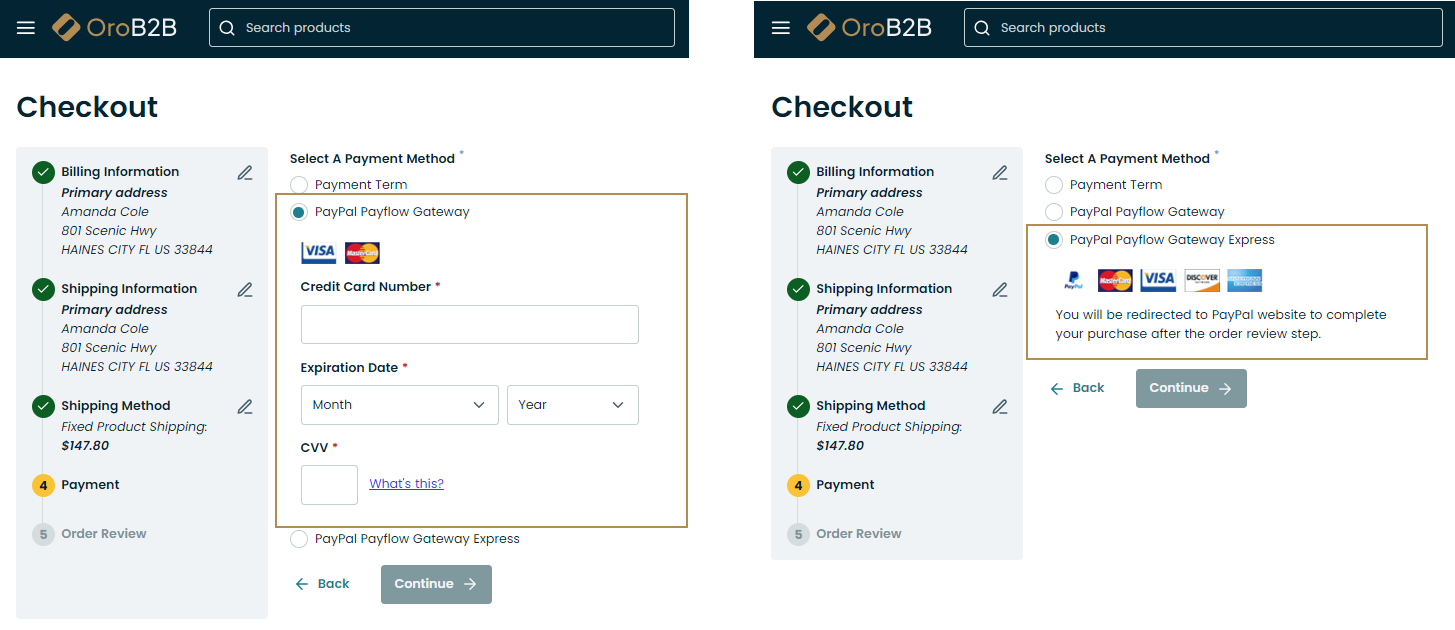
PayPal Payflow Gateway and Express Checkout
Note
If the order total is zero, the PayPal Payment method will be hidden and unavailable for selection.
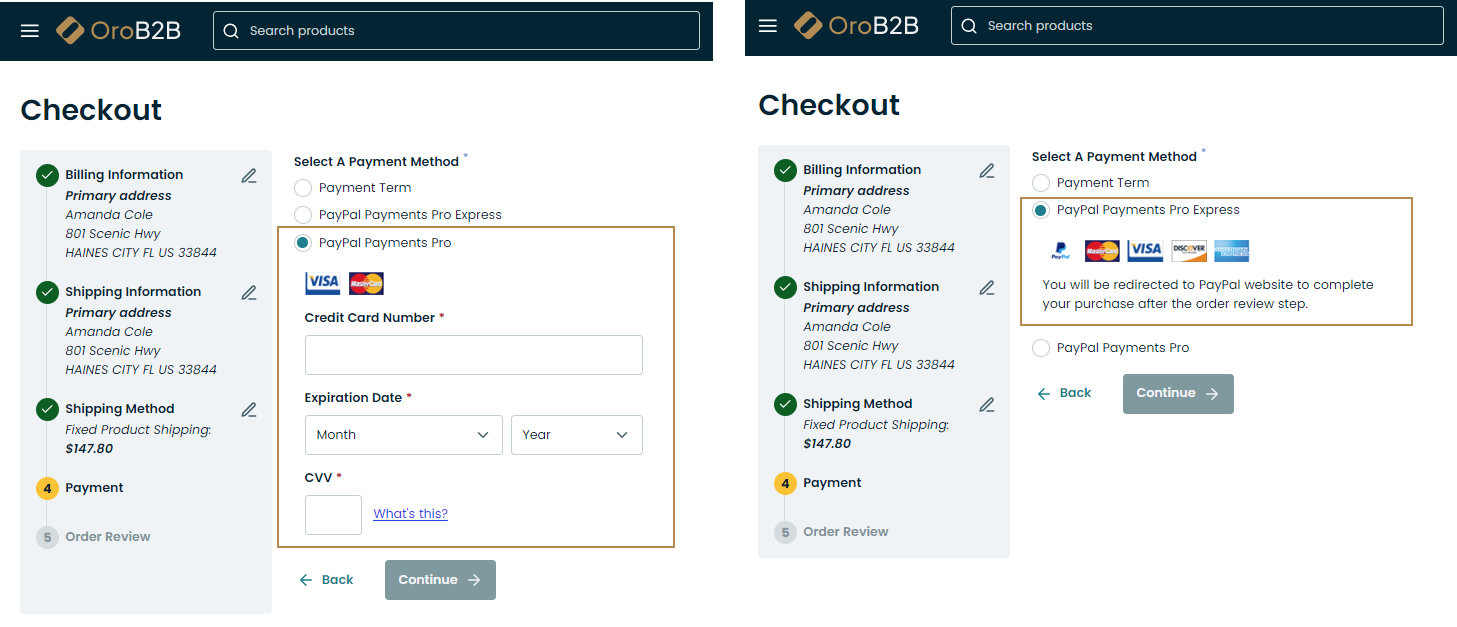
PayPal Payments Pro and Express Checkout
Note
If the order total is zero, the PayPal Payment method will be hidden and unavailable for selection.
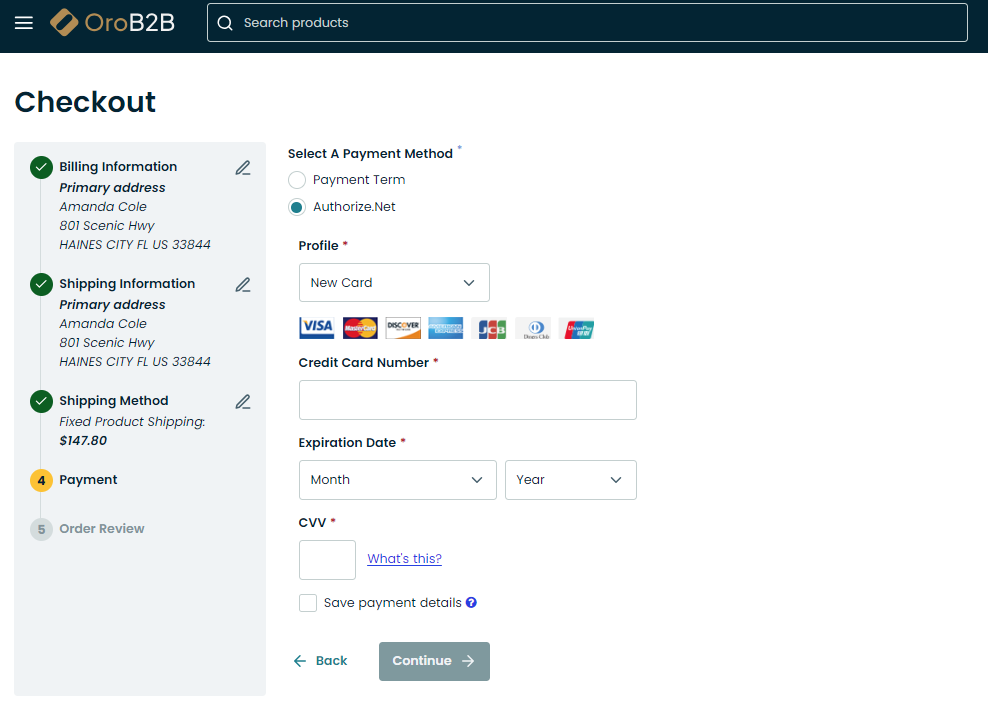
Authorize.Net
Warning
For security reason, the Authorize.Net payment option appears only when a buyer access your OroCommerce site via the https protocol.