Important
You are browsing documentation for version 6.0 of OroCommerce, supported until 2028. Read the documentation for the latest LTS version to get up-to-date information.
See our Release Process documentation for more information on the currently supported and upcoming releases.
Entity Activities
Enable Activity Association Using Migrations
Usually, an administrator provides a predefined set of associations between the activity entity and other entities. If necessary, you can also create this association type using migrations.
For example:
<?php

namespace Acme\Bundle\DemoBundle\Migrations\Schema\v1_10;

use Doctrine\DBAL\Schema\Schema;
use Oro\Bundle\ActivityBundle\Migration\Extension\ActivityExtensionAwareInterface;
use Oro\Bundle\ActivityBundle\Migration\Extension\ActivityExtensionAwareTrait;
use Oro\Bundle\MigrationBundle\Migration\Migration;
use Oro\Bundle\MigrationBundle\Migration\QueryBag;

class AcmeDemoBundle implements Migration, ActivityExtensionAwareInterface
{
    use ActivityExtensionAwareTrait;

    /**
     * {@inheritDoc}
     */
    public function up(Schema $schema, QueryBag $queries): void
    {
        $this->activityExtension->addActivityAssociation($schema, 'oro_email', 'acme_demo_document', true);
        $this->activityExtension->addActivityAssociation($schema, 'acme_demo_sms', 'acme_demo_document', true);
        $this->activityExtension->addActivityAssociation($schema, 'orocrm_call', 'acme_demo_priority');
    }
}
Add a Widget to the Entity View Page
OroActivityListBundle adds a widget to the entity view page. The widget displays a list of activities related to the entity record in chronological order. It also enables widget configuration in the system configuration section.
You can add the following activities to other entities:
Call
Task
Email
Calendar event
Notes
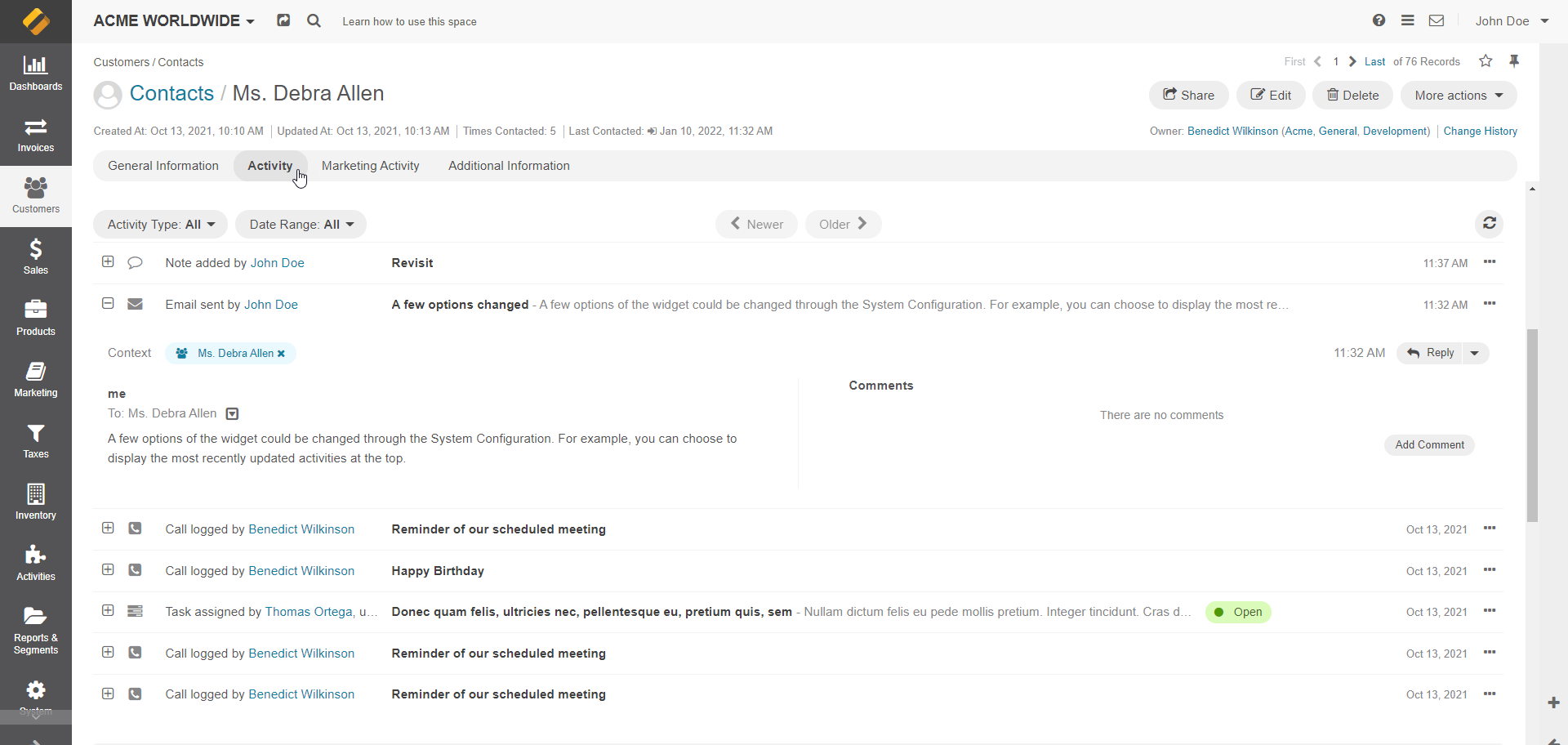
The activity list appears as a widget block. It shows all activities related to the entity record you are viewing in a single list, and you can filter it by activity type (multiselect) and date (daterange filter).
Each activity row shows basic information: the activity type, who created and updated it, and when. Use the “expand” action to open the full activity record. By default, the widget displays 10 records sorted by the Update date in descending order. You can change the sorting and limit in the UI via system configuration.
The widget is currently displayed in the Activities placeholder block on the view page of an entity.
The following screenshot is an example of a widget on a contact page:
Show Widget and Its Button on a Specific Page
Set entity annotation to show a widget and its button on specific pages.
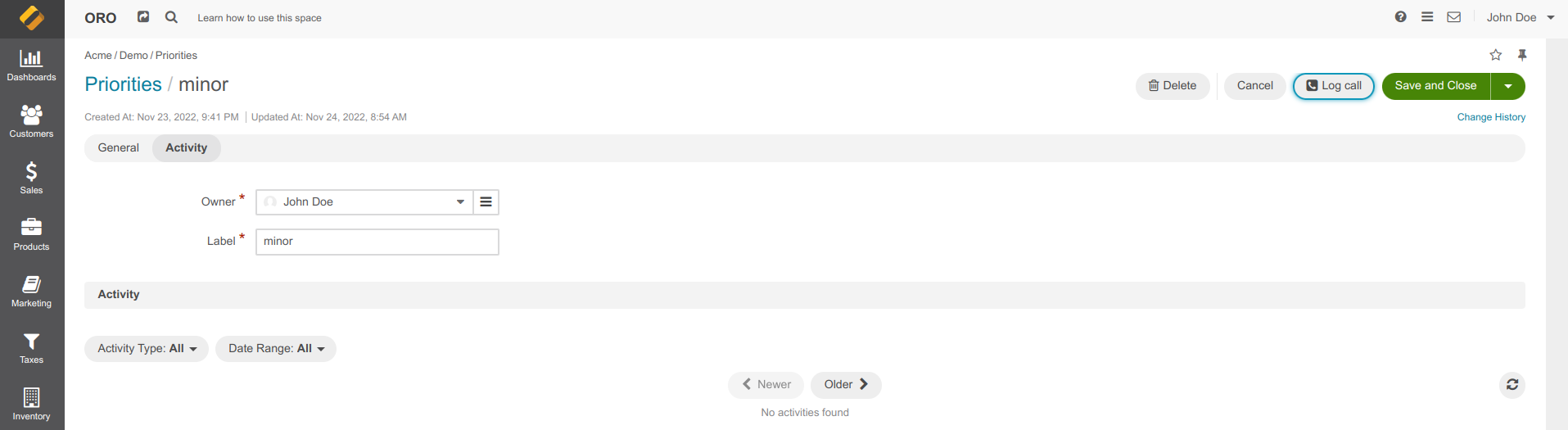
The widget can be displayed on the view and/or update pages. The list of allowed values is available in \Oro\Bundle\ActivityBundle\EntityConfig\ActivityScope, for example:
The following screenshot is an example of a widget on a priority update page:
Change Sorting and Limitation in Configuration
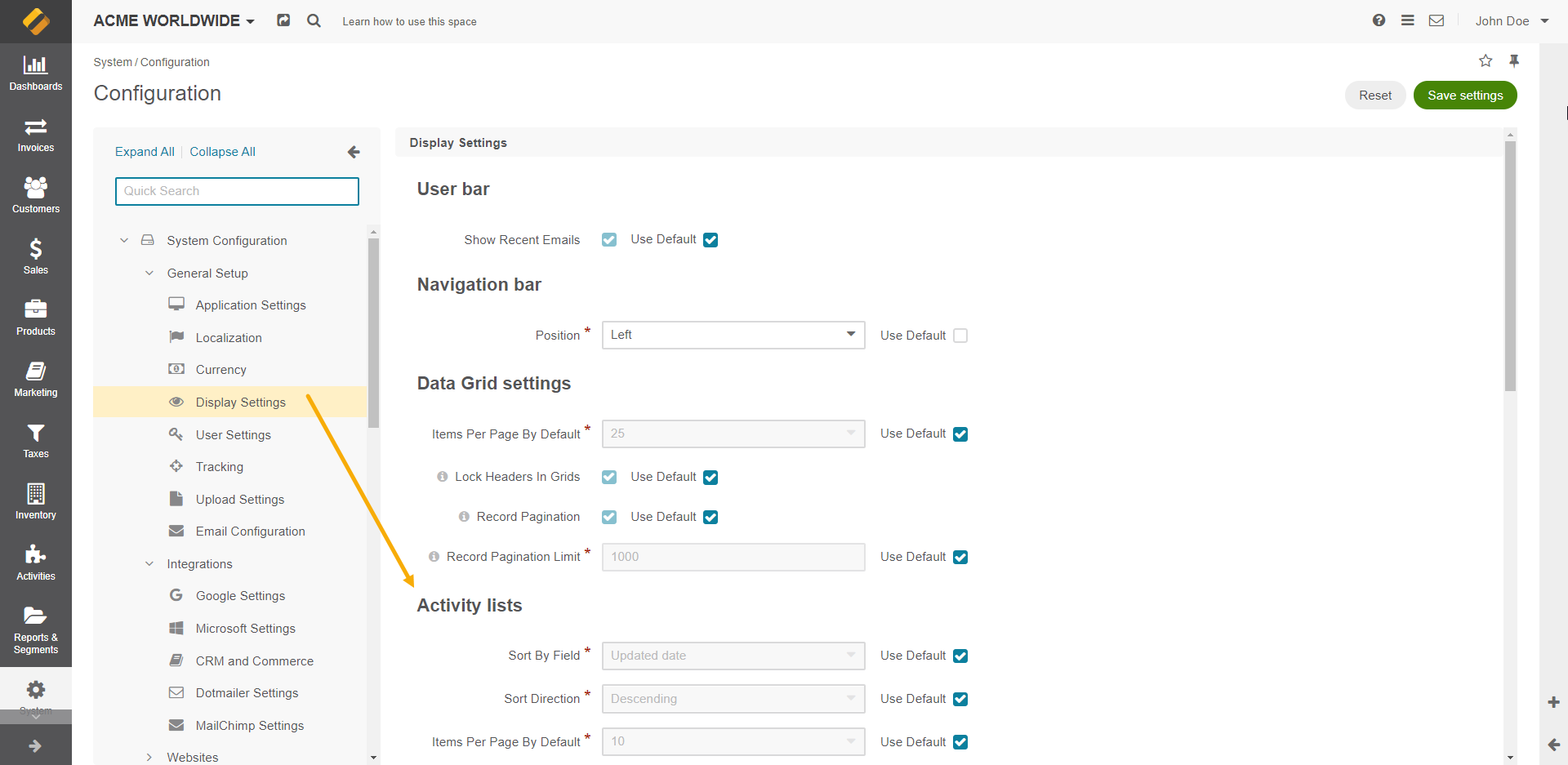
You can change sorting and limitation in the UI under System > Configuration > Display Settings > Activity Lists.
Option |
Description |
|---|---|
Sort By Field |
Sorts activity records by the date when they were created or by the date when they were updated for the last time. |
Sort Direction |
Sorts records in the ascending or descending direction. |
Items Per Page By Default |
Sets how many records appear on one page of the Activity section grids. |
Configure Permissions
Each activity entity must contain a provider (for example, EmailActivityListProvider) that implements the ActivityListProviderInterface interface. The ActivityList::getActivityOwners method returns one or many ActivityOwner entities connected to their activity list entity.
Filter Activities in Segments
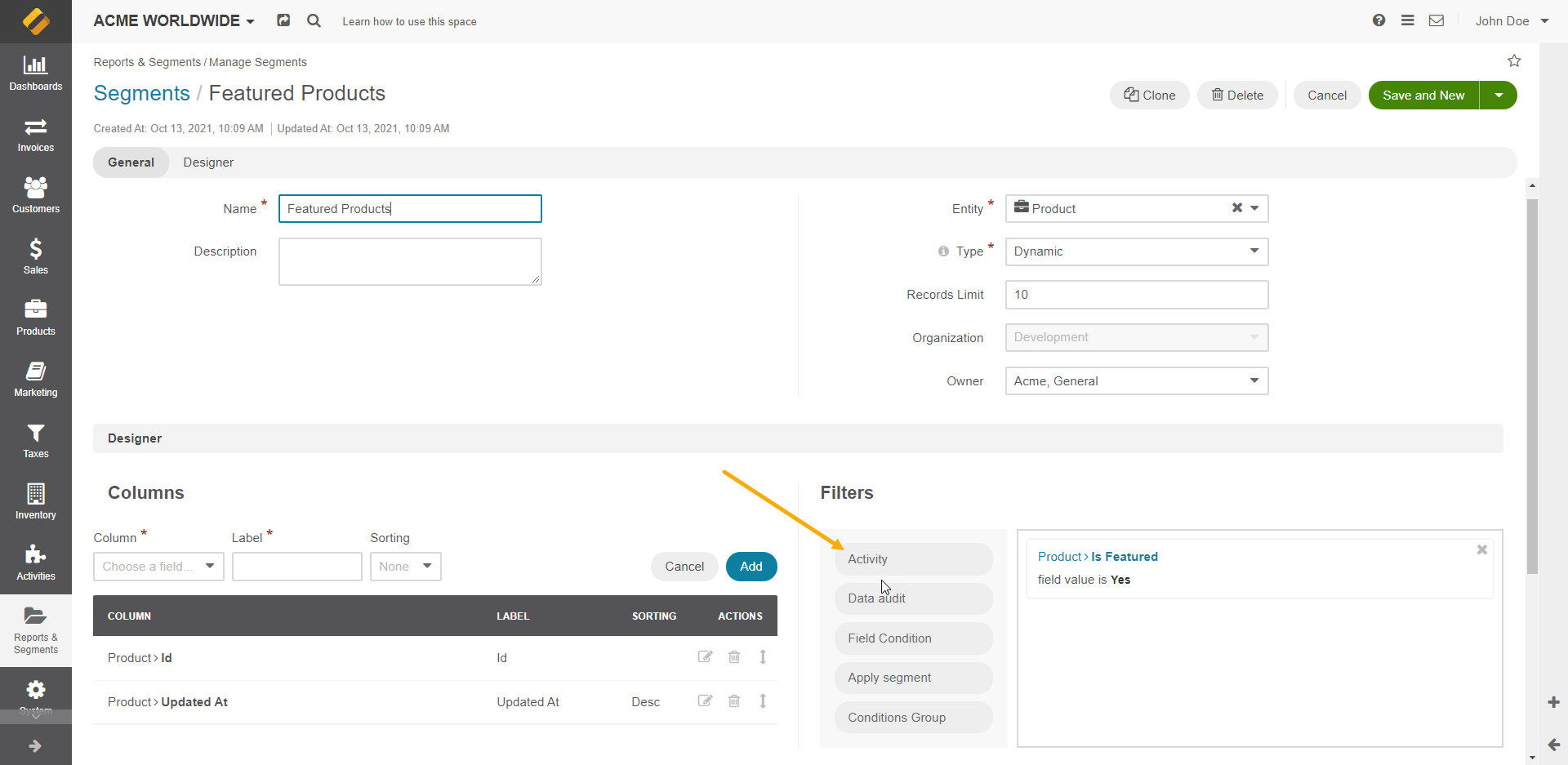
ActivityListBundle extends OroSegmentBundle with the Activity filter type.
Use this filter to select records that:
have an activity with a value in the field (e.g., a Contact who has an activity “Email” where the subject of the email contains the text “Re:”)
do not have an activity with a value in the field (e.g., Contact who does not have activity “Email” where the subject of the email contains text “Meeting”)
If you select only one activity type in the filter, you can filter based on any field of the activity.
If you select more than one activity type in the filter, you can filter based on the fields “updatedAt” and “createdAt” of the selected activities.