Configure AI Smart Agent Settings per Website
Hint
Please contact our support team to learn more about OroCommerce AI features, discuss how they can meet your business needs, and get started with implementation.
The AI Smart Agent is a virtual assistant designed to simplify and enhance the B2B buying experience in the OroCommerce Enterprise application. It uses natural spoken or written language input to enable buyers to perform a variety of ecommerce-related activities via the OroCommerce storefront.
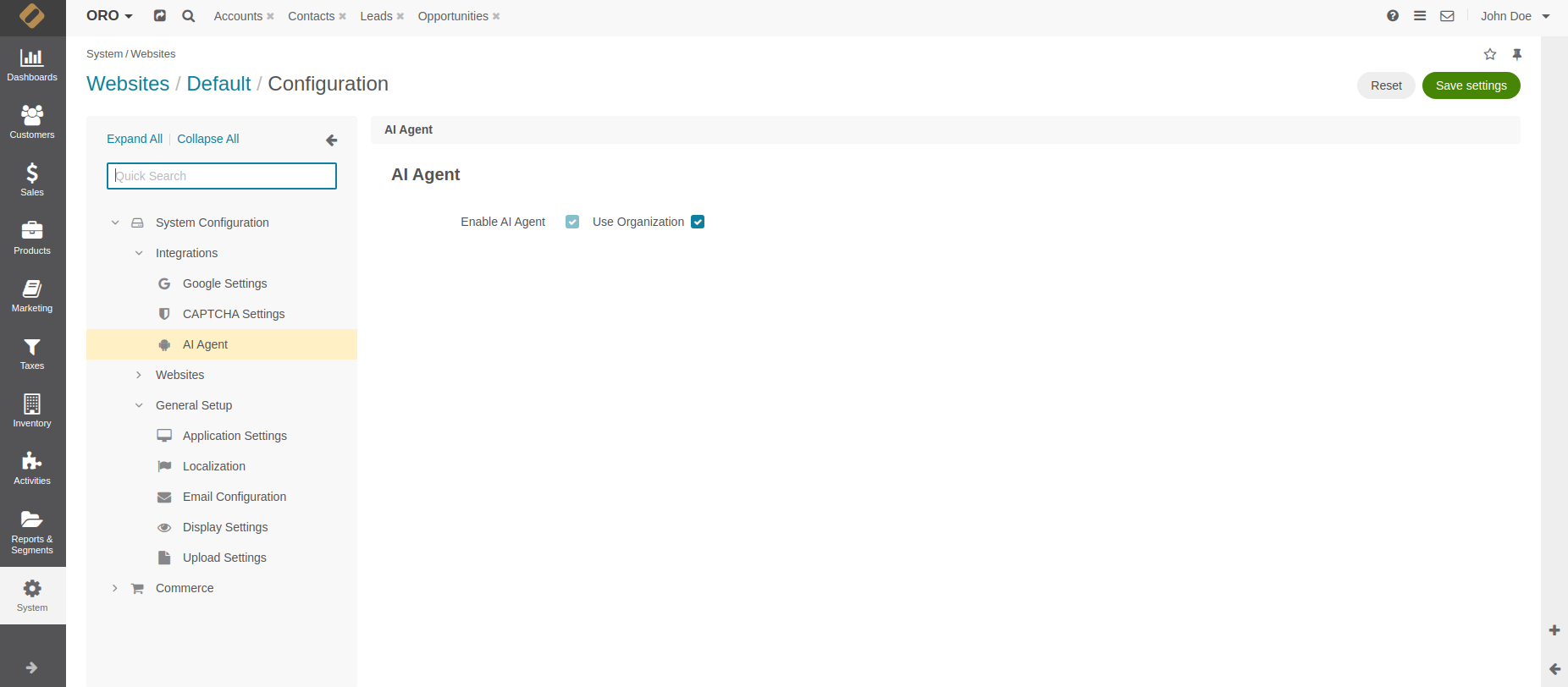
Once the agent is installed in the Oro application, you can enable it in the system configuration globally, per organization, website, customer and customer group.
Important
Select the Enable Storefront API option under System Configuration > General Setup > Application Settings > Web API first. The AI Smart Agent depends on this API to function.
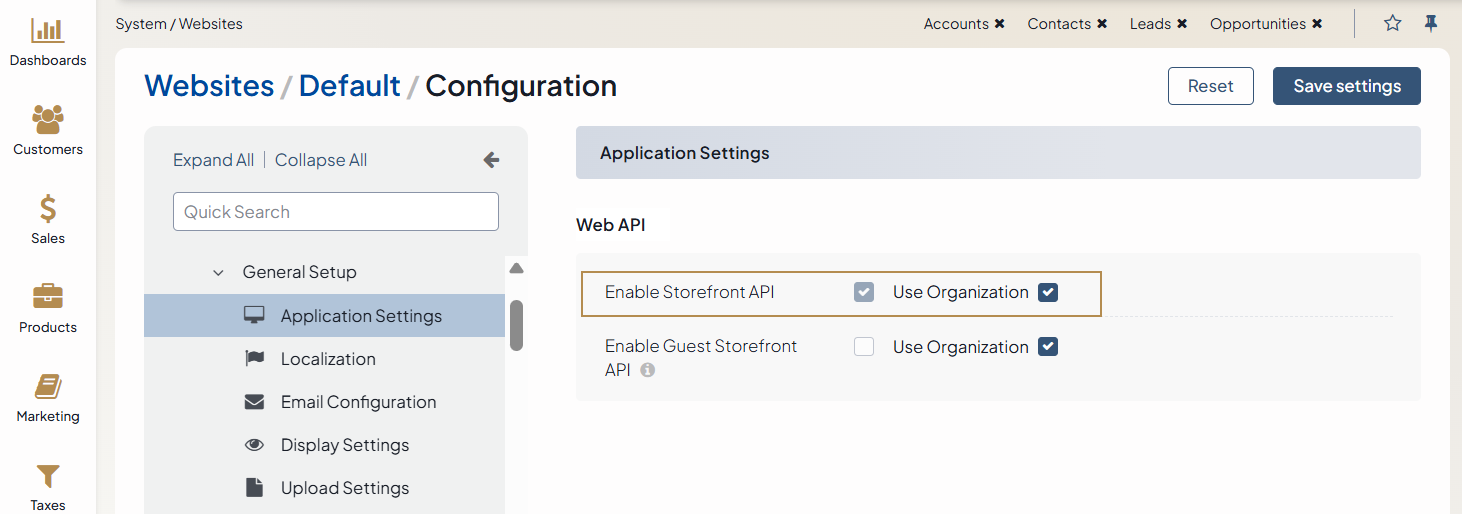
To enable AI Smart Agent per website:
Navigate to System > Websites in the main menu.
For the necessary website, hover over the More Options menu to the right of the necessary website and click to start editing the configuration.
Click System Configuration > Integrations > AI Smart Agent in the menu to the left.
In the AI Smart Agent section, clear the Use Organization checkbox and select the Enable AI Smart Agent checkbox to enable the feature in the storefront.
Click Save Settings.